
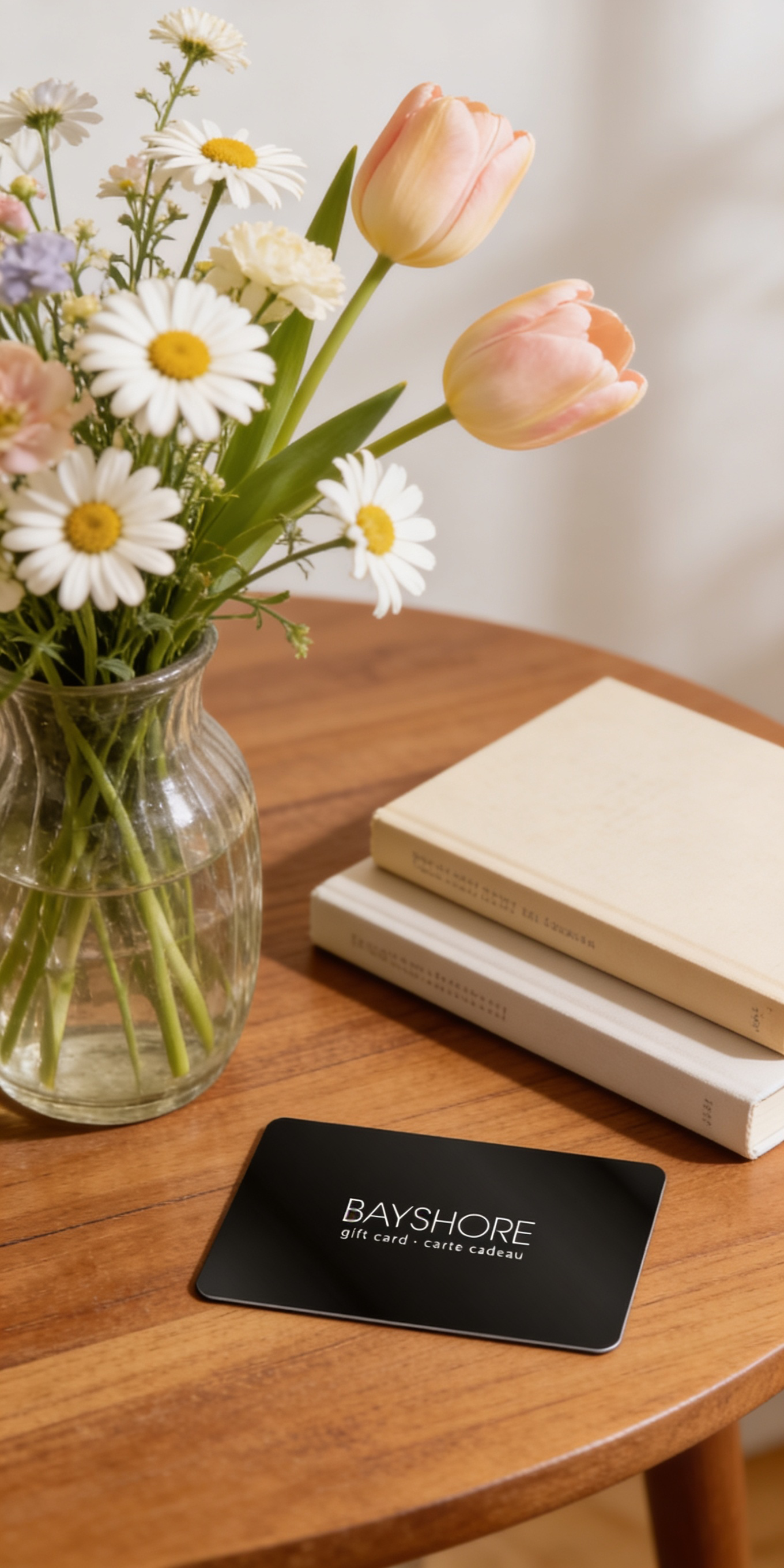
Give the Gift of Choice!
Too many options? Treat your friends and family to their favourite stores with a Bayshore Shopping Centre gift card, redeemable at participating retailers throughout the centre. Click below to purchase yours today!Purchase HereHome
Accurate Layer Selections Using Photoshop's Selection Tools: Use Photoshop And Illustrator To Refine Your Artwork
Coles
Loading Inventory...


Accurate Layer Selections Using Photoshop's Selection Tools: Use Photoshop And Illustrator To Refine Your Artwork in Ottawa, ON
By None
Current price: $75.99
Original price: $94.94

By None
Accurate Layer Selections Using Photoshop's Selection Tools: Use Photoshop And Illustrator To Refine Your Artwork in Ottawa, ON
Current price: $75.99
Original price: $94.94
Loading Inventory...
Size: Kobo eBook
*Product information may vary - to confirm product availability, pricing, shipping and return information please contact Coles
Take your hand-drawn illustrations to the next level by using various selection tools in Photoshop to clean up the artwork, and Illustrator for final refinement. Also, learn to save your artwork as vector images to be used for web, print, or even stills for character animation. Author Jennifer Harder begins by showing you how to use basic tools in Photoshop to clean up your artwork, followed by Marquee tools and more. Next, you will see how to use more advanced tools such as Lasso, Magic Wand, the Object Selection tool, and so on. You'll then get a demonstration of how to control the type of selection using the selection main menu, how to copy selections to another layer, and how to use the focus area. This is followed by a chapter that covers paths, channels, and layer masks that you will master to clean up your artwork. To round things out, you will learn how to use Illustrator's different features to further enhance your work. On completing the book,you will have mastered how to make your artwork and illustrations portfolio-ready. What You Will Learn
Master each selection tool found in Photoshop
Choose the right tools for cleaning and refining artwork
Save selections for other projects
Make your artwork scalable in Illustrator using various methods
Who Is This Book For Readers with little-to-intermediate-level experience with Photoshop.
Take your hand-drawn illustrations to the next level by using various selection tools in Photoshop to clean up the artwork, and Illustrator for final refinement. Also, learn to save your artwork as vector images to be used for web, print, or even stills for character animation. Author Jennifer Harder begins by showing you how to use basic tools in Photoshop to clean up your artwork, followed by Marquee tools and more. Next, you will see how to use more advanced tools such as Lasso, Magic Wand, the Object Selection tool, and so on. You'll then get a demonstration of how to control the type of selection using the selection main menu, how to copy selections to another layer, and how to use the focus area. This is followed by a chapter that covers paths, channels, and layer masks that you will master to clean up your artwork. To round things out, you will learn how to use Illustrator's different features to further enhance your work. On completing the book,you will have mastered how to make your artwork and illustrations portfolio-ready. What You Will Learn
Master each selection tool found in Photoshop
Choose the right tools for cleaning and refining artwork
Save selections for other projects
Make your artwork scalable in Illustrator using various methods
Who Is This Book For Readers with little-to-intermediate-level experience with Photoshop.
You May Also Like






More About Coles at Bayshore Shopping Centre
Coles is renowned for its outstanding customer service and great selection of books. Along with the vast array of magazines, stationary, audio-books, children's literature, fiction, non-fiction and reference books, you can find accessories to make your reading experience more pleasurable. We can recommend the very best in reading today. We will help you search our titles for exactly what you need, and if we do not have it in stock, we will order it for you.
100 Bayshore Dr, Nepean, ON K2B 8C1, Canada
Find Coles at Bayshore Shopping Centre in Ottawa, ON
Visit Coles at Bayshore Shopping Centre in Ottawa, ON