

Give the Gift of Choice!
Too many options? Treat your friends and family to their favourite stores with a Bayshore Shopping Centre gift card, redeemable at participating retailers throughout the centre. Click below to purchase yours today!Purchase HereHome
Adobe InDesign Classroom in a Book (2022 release)
Coles
Loading Inventory...
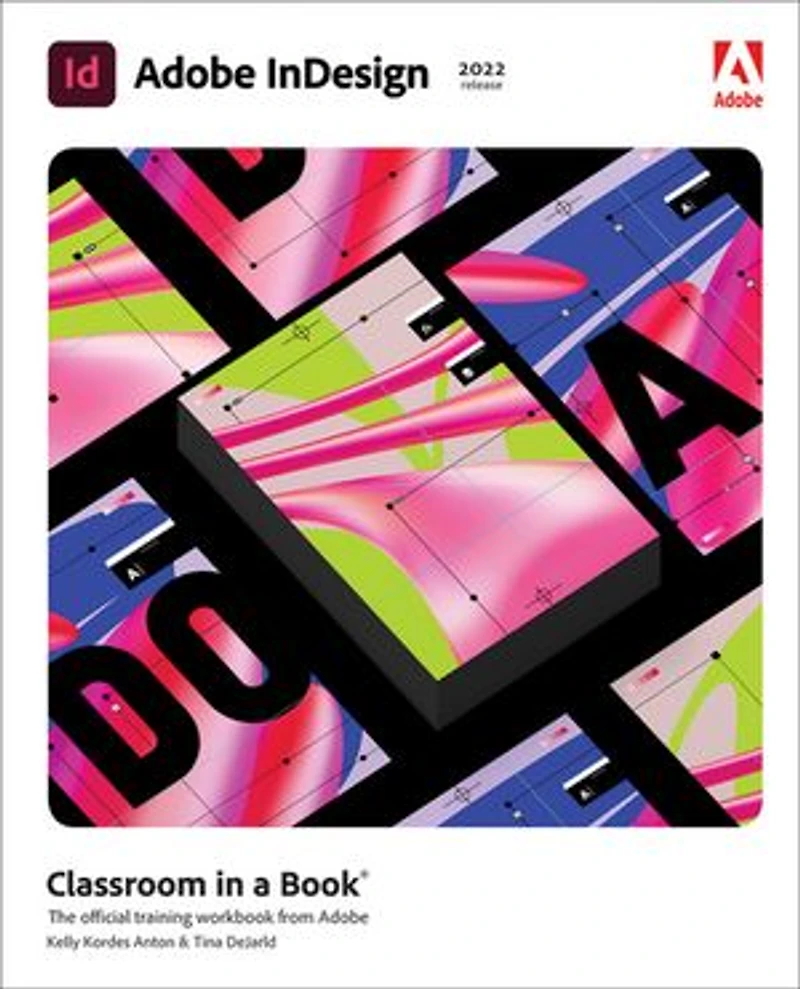
Adobe InDesign Classroom in a Book (2022 release) in Ottawa, ON
Current price: $61.99
Original price: $77.49

Adobe InDesign Classroom in a Book (2022 release) in Ottawa, ON
Current price: $61.99
Original price: $77.49
Loading Inventory...
Size: Kobo eBook
*Product information may vary - to confirm product availability, pricing, shipping and return information please contact Coles
Build a strong foundation of typographic, page layout, and document-construction skills through the step-by-step lessons in this book. The real-world projects—ranging from a printed postcard with a QR code to an interactive Adobe PDF with form fields—are designed to guide novice Adobe InDesign users through the most fundamental features to the most powerful. Experienced InDesign users learn best practices and explore features that will rapidly become a designer's best friend, such as intelligent image placement and access to the Adobe Fonts library.
The fastest, easiest, most comprehensive way to learn Adobe InDesign
Classroom in a Book®, the best-selling series of hands-on software training workbooks, offers what no other book or training program does—an official training series from Adobe, developed with the support of Adobe product experts.
Adobe InDesign Classroom in a Book (2022 release) contains 15 lessons that cover the basics and beyond, providing countless tips and techniques to help you become more productive with the program. You can follow the book from start to finish or choose only those lessons that interest you.
Purchasing this book includes valuable online extras. Follow the instructions in the book's "Getting Started" section to unlock access to:
Downloadable lesson files you need to work through the projects in the book
Web Edition containing the complete text of the book, interactive quizzes, and videos that walk you through the lessons step by step
What you need to use this book: Adobe InDesign (2022 release) software, for either Windows or macOS. (Software not included.)
Note: Classroom in a Book does not replace the documentation, support, updates, or any other benefits of being a registered owner of Adobe InDesign software.
Build a strong foundation of typographic, page layout, and document-construction skills through the step-by-step lessons in this book. The real-world projects—ranging from a printed postcard with a QR code to an interactive Adobe PDF with form fields—are designed to guide novice Adobe InDesign users through the most fundamental features to the most powerful. Experienced InDesign users learn best practices and explore features that will rapidly become a designer's best friend, such as intelligent image placement and access to the Adobe Fonts library.
The fastest, easiest, most comprehensive way to learn Adobe InDesign
Classroom in a Book®, the best-selling series of hands-on software training workbooks, offers what no other book or training program does—an official training series from Adobe, developed with the support of Adobe product experts.
Adobe InDesign Classroom in a Book (2022 release) contains 15 lessons that cover the basics and beyond, providing countless tips and techniques to help you become more productive with the program. You can follow the book from start to finish or choose only those lessons that interest you.
Purchasing this book includes valuable online extras. Follow the instructions in the book's "Getting Started" section to unlock access to:
Downloadable lesson files you need to work through the projects in the book
Web Edition containing the complete text of the book, interactive quizzes, and videos that walk you through the lessons step by step
What you need to use this book: Adobe InDesign (2022 release) software, for either Windows or macOS. (Software not included.)
Note: Classroom in a Book does not replace the documentation, support, updates, or any other benefits of being a registered owner of Adobe InDesign software.
You May Also Like







More About Coles at Bayshore Shopping Centre
Coles is renowned for its outstanding customer service and great selection of books. Along with the vast array of magazines, stationary, audio-books, children's literature, fiction, non-fiction and reference books, you can find accessories to make your reading experience more pleasurable. We can recommend the very best in reading today. We will help you search our titles for exactly what you need, and if we do not have it in stock, we will order it for you.
100 Bayshore Dr, Nepean, ON K2B 8C1, Canada
Find Coles at Bayshore Shopping Centre in Ottawa, ON
Visit Coles at Bayshore Shopping Centre in Ottawa, ON