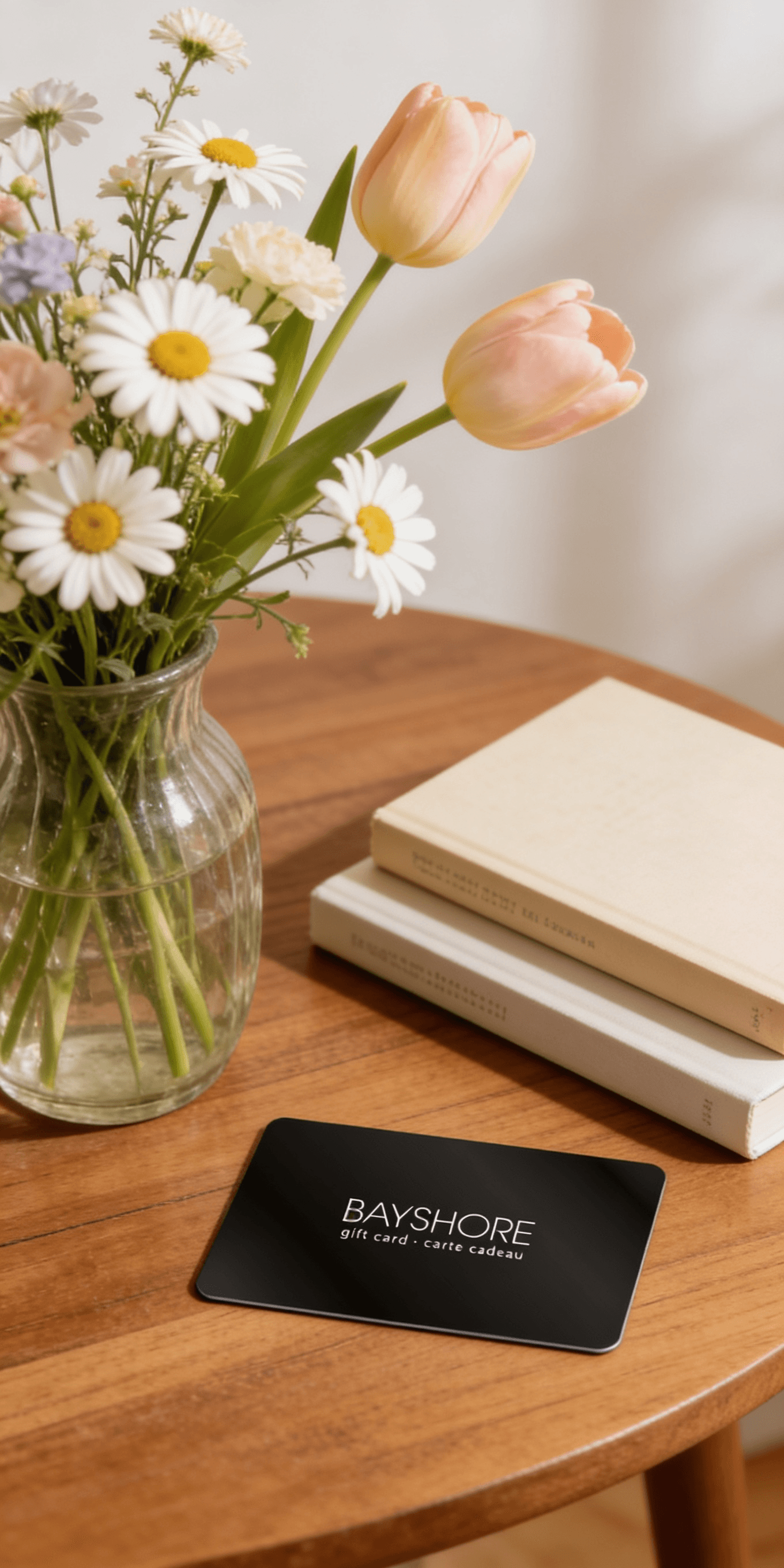
Too many options? Treat your friends and family to their favourite stores with a Bayshore Shopping Centre gift card, redeemable at participating retailers throughout the centre. Click below to purchase yours today!Purchase Here
*Product information may vary - to confirm product availability, pricing, shipping and return information please contact Coles
About the book
Adobe Photoshop for beginners 2021 introduces the guide to Photoshop which includes:
File format
How to disable Photoshop home screen
How to create a new document with various formats
How to open images from the home screen and filter your home screen
The document setup was also established containing the about text, how to use text on shape tool and text on selection tool etc.
How to create various shapes was also revealed such as live shapes, stroke and fill shapes, custom and curve shape including star shapes. Not neglecting the shape tool bar options and editing the shape properties.
Also find various keyboard shortcuts and Photoshop tools as well as how to choose your right tool.
Chapter five shows the Adobe color picker overview and how they can be effectively selected.
Chapter six reveals the Photoshop layer and how to convert a background into a Photoshop layer or converting a Photoshop layer into a background, duplicating Photoshop layers on ground.
It also features how to cut out in Photoshop such as hair or trees.
Adobe selection tools were clearly explained like the Elliptical marquee, the Lasso Magnetic Lasso tool etc. including dimensions of color and how to convert black and white.
Chapter nine explains how to use Photoshop filters and lastly, the conclusion part.
About the book
Adobe Photoshop for beginners 2021 introduces the guide to Photoshop which includes:
File format
How to disable Photoshop home screen
How to create a new document with various formats
How to open images from the home screen and filter your home screen
The document setup was also established containing the about text, how to use text on shape tool and text on selection tool etc.
How to create various shapes was also revealed such as live shapes, stroke and fill shapes, custom and curve shape including star shapes. Not neglecting the shape tool bar options and editing the shape properties.
Also find various keyboard shortcuts and Photoshop tools as well as how to choose your right tool.
Chapter five shows the Adobe color picker overview and how they can be effectively selected.
Chapter six reveals the Photoshop layer and how to convert a background into a Photoshop layer or converting a Photoshop layer into a background, duplicating Photoshop layers on ground.
It also features how to cut out in Photoshop such as hair or trees.
Adobe selection tools were clearly explained like the Elliptical marquee, the Lasso Magnetic Lasso tool etc. including dimensions of color and how to convert black and white.
Chapter nine explains how to use Photoshop filters and lastly, the conclusion part.
Coles is renowned for its outstanding customer service and great selection of books. Along with the vast array of magazines, stationary, audio-books, children's literature, fiction, non-fiction and reference books, you can find accessories to make your reading experience more pleasurable. We can recommend the very best in reading today. We will help you search our titles for exactly what you need, and if we do not have it in stock, we will order it for you.