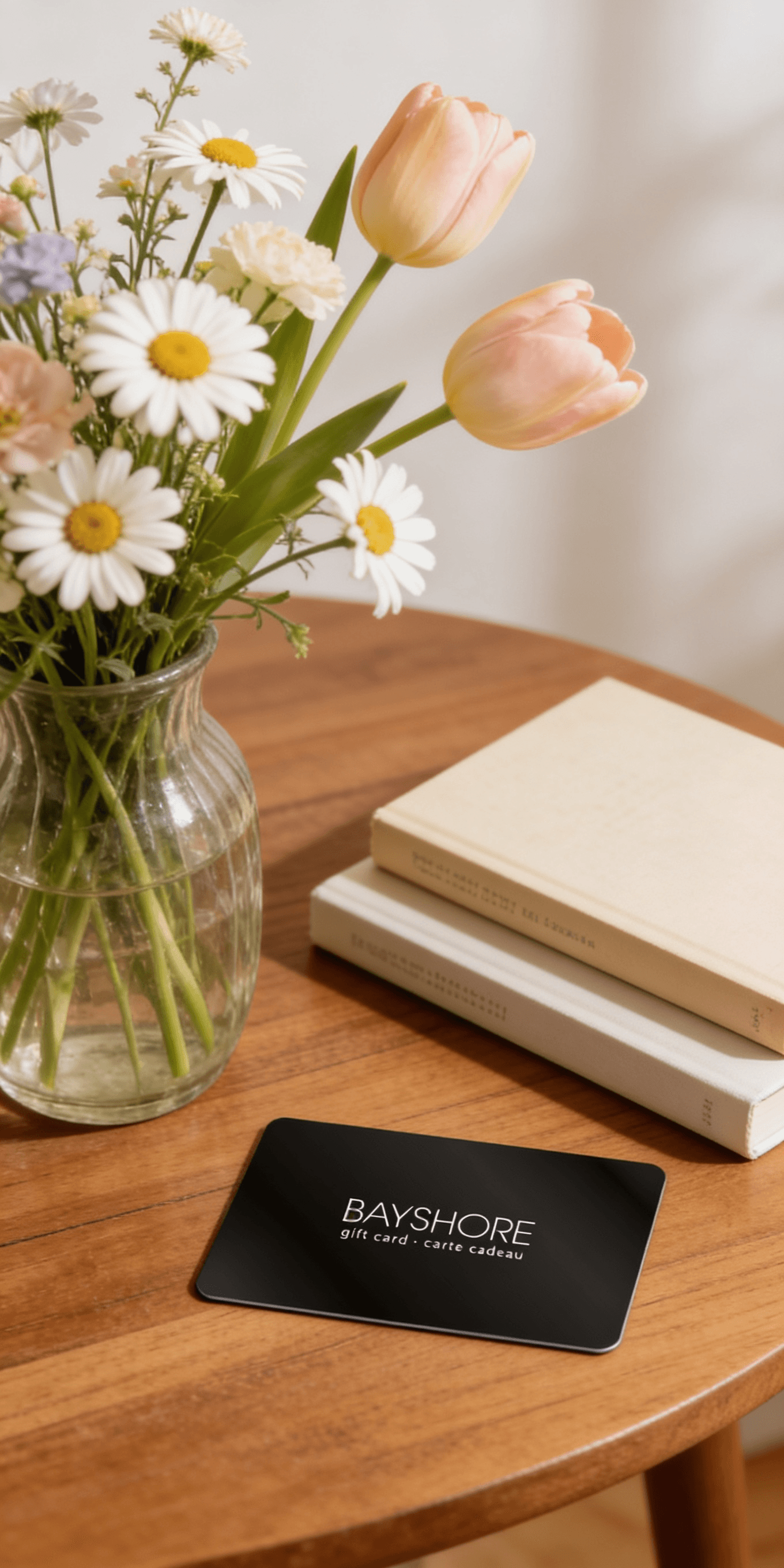
Too many options? Treat your friends and family to their favourite stores with a Bayshore Shopping Centre gift card, redeemable at participating retailers throughout the centre. Click below to purchase yours today!Purchase Here
Coles Advanced Presentation with Microsoft PowerPoint: ICDL Professional at Bayshore Shopping Centre in Ottawa, ON
*Product information may vary - to confirm product availability, pricing, shipping and return information please contact Coles
Advanced Presentation with Microsoft PowerPoint: ICDL Professional gives readers the techniques required to learn the advanced features of Microsoft PowerPoint. Instructions provided in this book may help learners prepare for their Advanced Presentation exam as part of their ICDL Professional learner profile.
Topics covered include:
Create, format, and design master slides and layoutsIncorporate multimedia into slideshows using audio, video and imagesApply advanced slide show setup options to presentationsLink external files such as documents, spreadsheets and charts into slideshowsRepresent information using a range of chart styles and types Use accessibility features such as alternative text for images
Save and reuse templates for frequently used slideshows
Information about how to prepare presentations for delivery
Develop content and slide styles for specific audiences
Readers can improve on their existing slideshow skills with this helpful guide. Illustrated with useful descriptions and revision exercises after each section, learners will find helpful tips on presentation delivery, slide design, appropriate content and audience considerations. Accompanying resources are available to download from the author's website.
Advanced Presentation with Microsoft PowerPoint: ICDL Professional gives readers the techniques required to learn the advanced features of Microsoft PowerPoint. Instructions provided in this book may help learners prepare for their Advanced Presentation exam as part of their ICDL Professional learner profile.
Topics covered include:
Create, format, and design master slides and layoutsIncorporate multimedia into slideshows using audio, video and imagesApply advanced slide show setup options to presentationsLink external files such as documents, spreadsheets and charts into slideshowsRepresent information using a range of chart styles and types Use accessibility features such as alternative text for images
Save and reuse templates for frequently used slideshows
Information about how to prepare presentations for delivery
Develop content and slide styles for specific audiences
Readers can improve on their existing slideshow skills with this helpful guide. Illustrated with useful descriptions and revision exercises after each section, learners will find helpful tips on presentation delivery, slide design, appropriate content and audience considerations. Accompanying resources are available to download from the author's website.
Coles is renowned for its outstanding customer service and great selection of books. Along with the vast array of magazines, stationary, audio-books, children's literature, fiction, non-fiction and reference books, you can find accessories to make your reading experience more pleasurable. We can recommend the very best in reading today. We will help you search our titles for exactly what you need, and if we do not have it in stock, we will order it for you.