

Give the Gift of Choice!
Too many options? Treat your friends and family to their favourite stores with a Bayshore Shopping Centre gift card, redeemable at participating retailers throughout the centre. Click below to purchase yours today!Purchase HereHome
Exchange Online Fast Start: A Quick Start Guide for Exchange Online, Office 365 and Windows Azure
Coles
Loading Inventory...
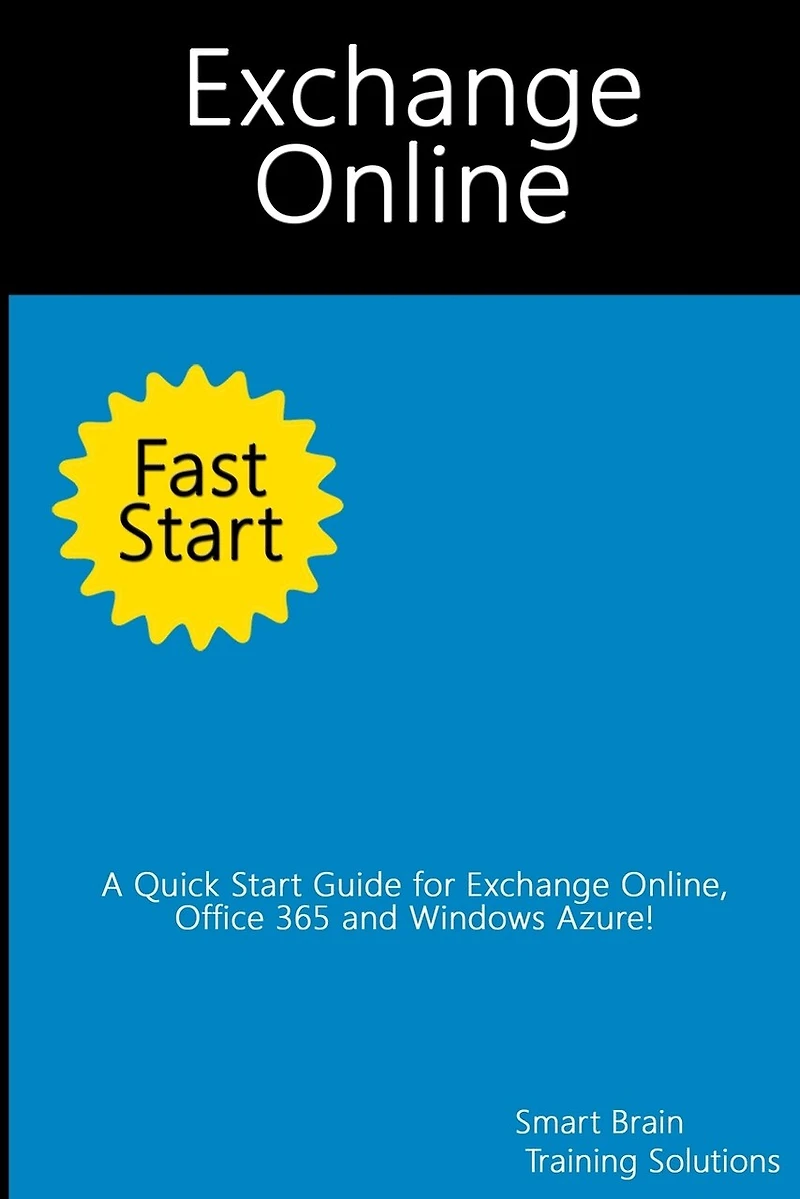
Exchange Online Fast Start: A Quick Start Guide for Exchange Online, Office 365 and Windows Azure in Ottawa, ON
Current price: $12.95

Exchange Online Fast Start: A Quick Start Guide for Exchange Online, Office 365 and Windows Azure in Ottawa, ON
Current price: $12.95
Loading Inventory...
Size: Paperback
*Product information may vary - to confirm product availability, pricing, shipping and return information please contact Coles
What is Exchange Online? Exchange Online is available as part of an Office 365 plan and as a standalone service. Microsoft offers a variety of Office 365 plans that include access to Office Web Apps, the full desktop versions of Office, or both as well as access to Exchange Online. If you don't want to use Office 365, Microsoft also offers plans specifically for Exchange Online. In Exchange Online, email addresses, distribution groups, and other directory resources are stored in the directory database provided by Active Directory for Windows Azure. Windows Azure is Microsoft's cloud-based server operating system. Exchange Online fully supports the Windows security model and by default relies on this security mechanism to control access to directory resources. As you get started with Exchange Online, it's important to keep in mind that available features and options can change over time. Microsoft releases cumulative updates for Exchange on a fixed schedule and applies these cumulative updates to their hosted Exchange servers. This Fast Start guide begins by showing you the basics of Exchange Online, Office 365 and Windows Azure and then builds on that knowledge to show you how to work with these services using both the graphical tools and Windows PowerShell.
What is Exchange Online? Exchange Online is available as part of an Office 365 plan and as a standalone service. Microsoft offers a variety of Office 365 plans that include access to Office Web Apps, the full desktop versions of Office, or both as well as access to Exchange Online. If you don't want to use Office 365, Microsoft also offers plans specifically for Exchange Online. In Exchange Online, email addresses, distribution groups, and other directory resources are stored in the directory database provided by Active Directory for Windows Azure. Windows Azure is Microsoft's cloud-based server operating system. Exchange Online fully supports the Windows security model and by default relies on this security mechanism to control access to directory resources. As you get started with Exchange Online, it's important to keep in mind that available features and options can change over time. Microsoft releases cumulative updates for Exchange on a fixed schedule and applies these cumulative updates to their hosted Exchange servers. This Fast Start guide begins by showing you the basics of Exchange Online, Office 365 and Windows Azure and then builds on that knowledge to show you how to work with these services using both the graphical tools and Windows PowerShell.
You May Also Like














More About Coles at Bayshore Shopping Centre
Coles is renowned for its outstanding customer service and great selection of books. Along with the vast array of magazines, stationary, audio-books, children's literature, fiction, non-fiction and reference books, you can find accessories to make your reading experience more pleasurable. We can recommend the very best in reading today. We will help you search our titles for exactly what you need, and if we do not have it in stock, we will order it for you.
100 Bayshore Dr, Nepean, ON K2B 8C1, Canada
Find Coles at Bayshore Shopping Centre in Ottawa, ON
Visit Coles at Bayshore Shopping Centre in Ottawa, ON