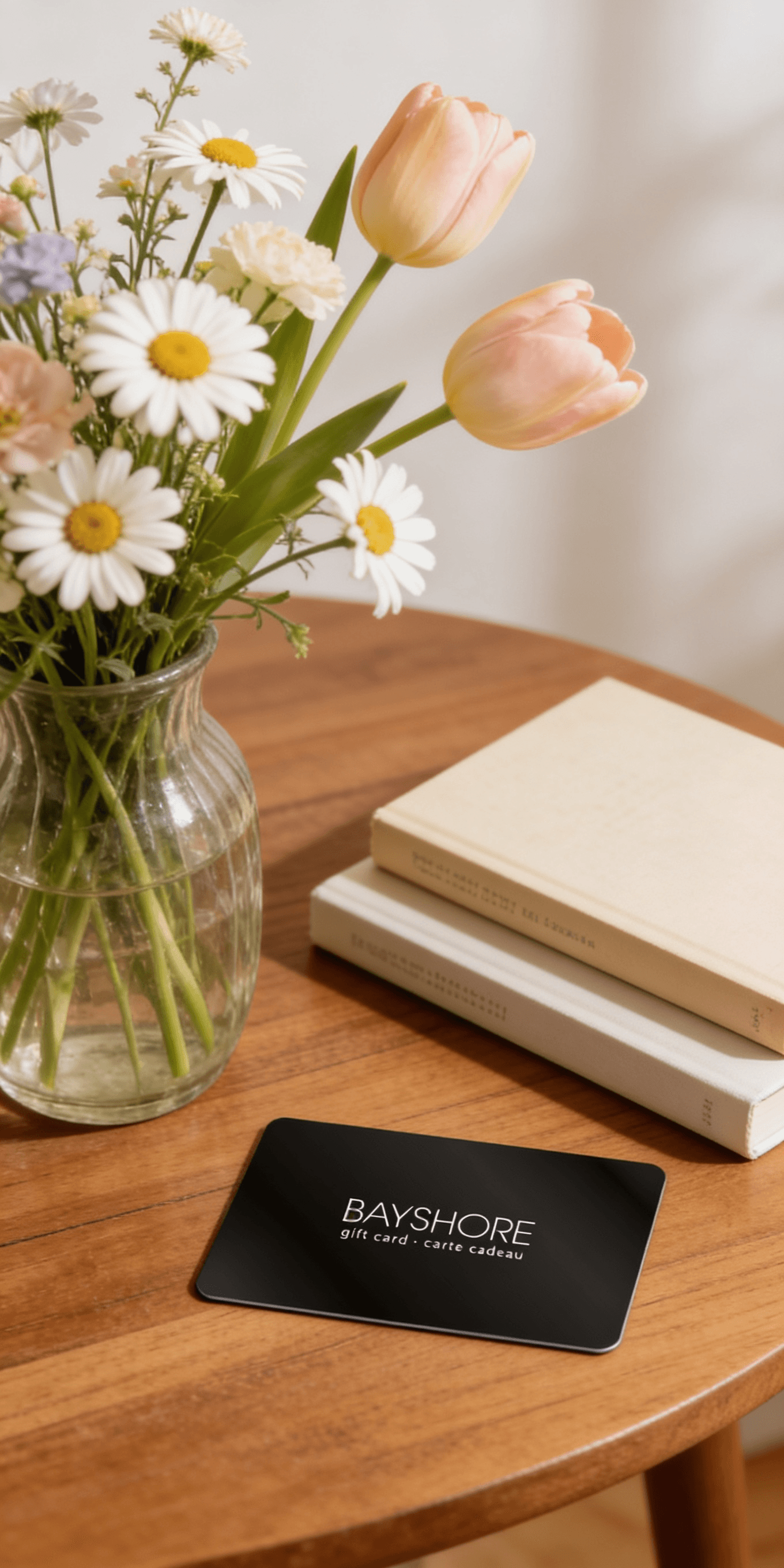
Too many options? Treat your friends and family to their favourite stores with a Bayshore Shopping Centre gift card, redeemable at participating retailers throughout the centre. Click below to purchase yours today!Purchase Here
JBL Party Light Beam - Black at Bayshore Shopping Centre in Ottawa, ON
*Product information may vary - to confirm product availability, pricing, shipping and return information please contact Best Buy
Automatically syncs with the lightshow or music of your JBL PartyBox (sold separately), when Auracast is enabled, creating an immersive experience One JBL PartyLight beam can light up a room of up to 400 sq. ft. (40 sq. m) with 20W of vibrant, immersive light shows Connect multiple JBL PartyLight beams, and let the built-in music detection algorithm generate an even bigger synchronized light show, in less than a minute Built-in microphone and a music detection algorithm allow the JBL PartyLight beam to automatically detect and sync with your music Customizable motion, speed, and intensity levels let you set the perfect mood for any party Use the JBL One app or PartyBox app to control the lightshow's speed, colours, patterns, and even connect multiple JBL PartyLight beams Simply rotate the JBL PartyLight beam to turn it on and swing it back into position to turn it off
Product Condition: Brand New
Colour: Black
Compatible Brands: JBL
Product Line: PartyLight
Automatically syncs with the lightshow or music of your JBL PartyBox (sold separately), when Auracast is enabled, creating an immersive experience One JBL PartyLight beam can light up a room of up to 400 sq. ft. (40 sq. m) with 20W of vibrant, immersive light shows Connect multiple JBL PartyLight beams, and let the built-in music detection algorithm generate an even bigger synchronized light show, in less than a minute Built-in microphone and a music detection algorithm allow the JBL PartyLight beam to automatically detect and sync with your music Customizable motion, speed, and intensity levels let you set the perfect mood for any party Use the JBL One app or PartyBox app to control the lightshow's speed, colours, patterns, and even connect multiple JBL PartyLight beams Simply rotate the JBL PartyLight beam to turn it on and swing it back into position to turn it off