
Give the Gift of Choice!
Too many options? Treat your friends and family to their favourite stores with a Bayshore Shopping Centre gift card, redeemable at participating retailers throughout the centre. Click below to purchase yours today!Purchase HereHome
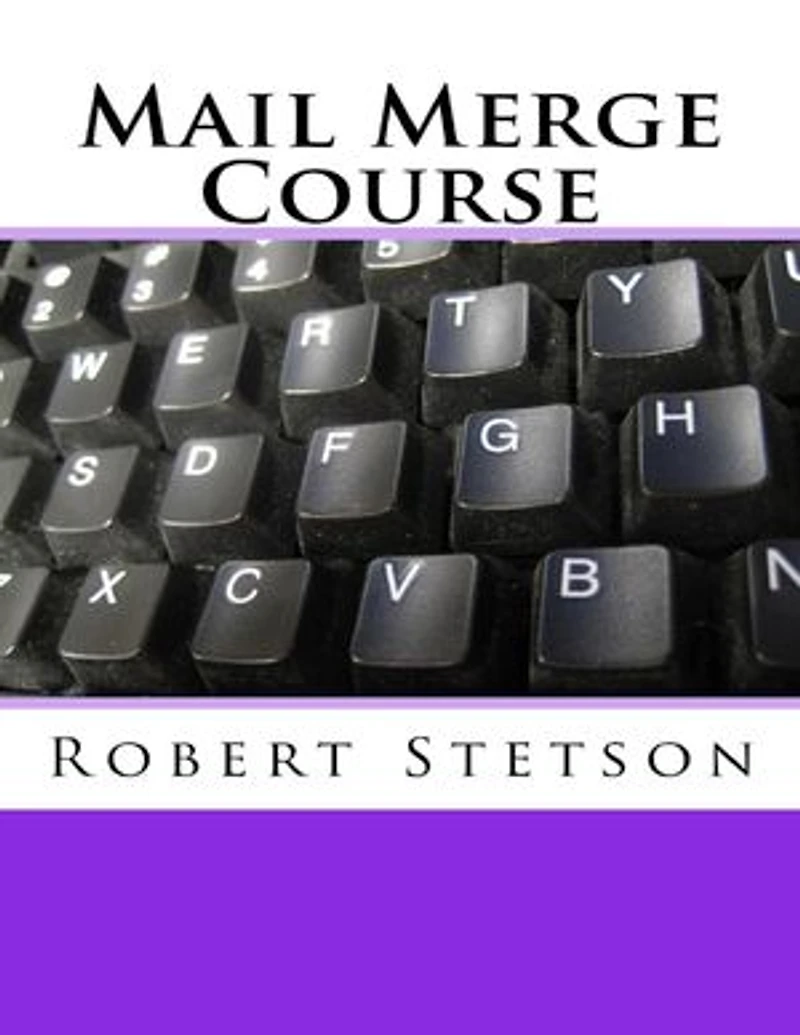
Mail Merge Course
Coles
Loading Inventory...
Mail Merge Course in Ottawa, ON
Current price: $4.49
Original price: $5.00

Mail Merge Course in Ottawa, ON
Current price: $4.49
Original price: $5.00
Loading Inventory...
Size: Kobo eBook
*Product information may vary - to confirm product availability, pricing, shipping and return information please contact Coles
Mail Merge is more than a program to mass mail letters. It can be used for a variety of purposes only limited by your imagination. The arduous task of sending out wedding invitations or Christmas cards can be made easy and automatic when you use Mail Merge. For the task of sending out resumes with cover letters, it’s ideal. Also, the mailing of query letters along with a book or article synopsis to prospective agents can give the varying synopsis content requirements just the twist needed to personalize them. Trying to use Mail Merge for the first time can be frustrating at best. The tutorials are cluttered with alternate scenarios and crammed with detailed variations. Yet for all the intricate detail, it’s never quite clear how to actually get the list of names and addresses onto the actual printed pages. This tutorial leads you step by step through the process of getting Mail Merge to do the job, from creating the list to writing the document, to printing out pages and envelopes automatically.
Mail Merge is more than a program to mass mail letters. It can be used for a variety of purposes only limited by your imagination. The arduous task of sending out wedding invitations or Christmas cards can be made easy and automatic when you use Mail Merge. For the task of sending out resumes with cover letters, it’s ideal. Also, the mailing of query letters along with a book or article synopsis to prospective agents can give the varying synopsis content requirements just the twist needed to personalize them. Trying to use Mail Merge for the first time can be frustrating at best. The tutorials are cluttered with alternate scenarios and crammed with detailed variations. Yet for all the intricate detail, it’s never quite clear how to actually get the list of names and addresses onto the actual printed pages. This tutorial leads you step by step through the process of getting Mail Merge to do the job, from creating the list to writing the document, to printing out pages and envelopes automatically.
You May Also Like











More About Coles at Bayshore Shopping Centre
Coles is renowned for its outstanding customer service and great selection of books. Along with the vast array of magazines, stationary, audio-books, children's literature, fiction, non-fiction and reference books, you can find accessories to make your reading experience more pleasurable. We can recommend the very best in reading today. We will help you search our titles for exactly what you need, and if we do not have it in stock, we will order it for you.
100 Bayshore Dr, Nepean, ON K2B 8C1, Canada
Find Coles at Bayshore Shopping Centre in Ottawa, ON
Visit Coles at Bayshore Shopping Centre in Ottawa, ON