

Give the Gift of Choice!
Too many options? Treat your friends and family to their favourite stores with a Bayshore Shopping Centre gift card, redeemable at participating retailers throughout the centre. Click below to purchase yours today!Purchase HereHome
Mastering Windows PowerShell Scripting - Third Eiditon: Automate and manage your environment using Core 6.0
Coles
Loading Inventory...
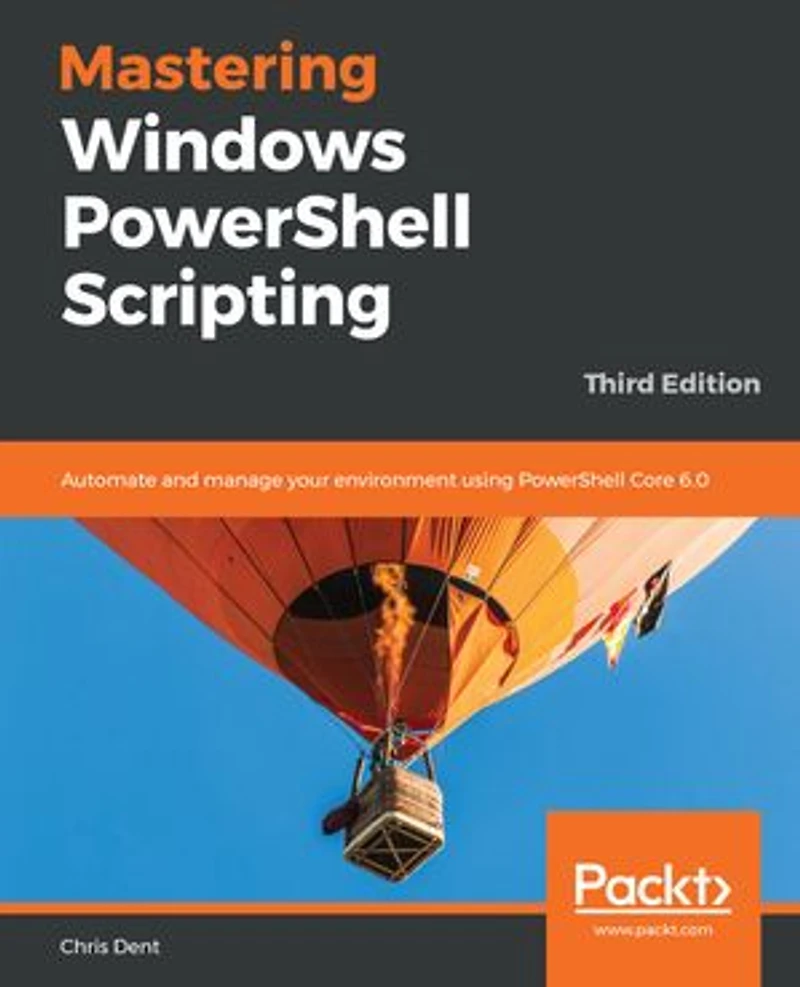
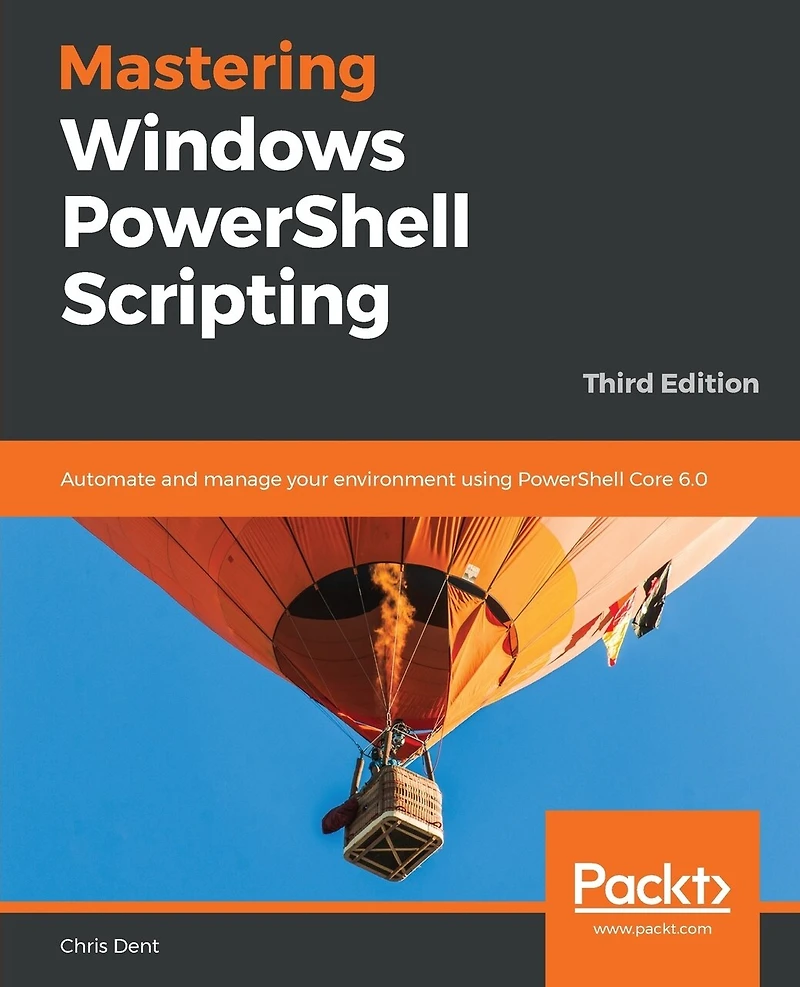
Mastering Windows PowerShell Scripting - Third Eiditon: Automate and manage your environment using Core 6.0 in Ottawa, ON
Current price: $47.19
Original price: $58.99

Mastering Windows PowerShell Scripting - Third Eiditon: Automate and manage your environment using Core 6.0 in Ottawa, ON
Current price: $47.19
Original price: $58.99
Loading Inventory...
Size: Kobo eBook
*Product information may vary - to confirm product availability, pricing, shipping and return information please contact Coles
Grasp advanced PowerShell Core 6.0 functionalities to automate your environment Key Features
Keep up with changes introduced in PowerShell Core 6.0
Easily maintain appropriate compatibility with older versions
Automate complex tasks, manipulate data, and secure your environment with PowerShell Core 6.0
Book Description PowerShell scripts offer a handy way to automate various chores, however working effectively with these scripts can be a difficult task. This comprehensive guide starts with the fundamentals before moving on to advanced-level topics to help you become a PowerShell Core 6.0 expert. The first module, PowerShell Core 6.0 Fundamentals, begins with the new features of PowerShell Core 6.0, installing it on Linux, and working with parameters, objects and .NET classes from within PowerShell Core 6.0. As you make your way through the chapters, you'll see how to efficiently manage large amounts of data and interact with other services using PowerShell Core 6.0. You'll be able to make the most of PowerShell Core 6.0's powerful automation feature, where you will have different methods available to parse data and manipulate regular expressions and Windows Management Instrumentation (WMI). After having explored automation, you will enter the extending PowerShell Core 6.0 module, covering asynchronous processing and desired state configuration. In the last module, you will learn to extend PowerShell Core 6.0 using advanced scripts and filters, and also debug issues along with working on error handling techniques. By the end of this book, you will be an expert in scripting with PowerShell Core 6.0. What you will learn
Optimize code through the use of functions, switches, and looping structures
Work with objects and operators to test and manipulate data
Parse and manipulate different data types
Create scripts and functions using PowerShell
Use jobs, events, and popular public modules which assist with implementing multithreading
Write .NET classes with ease within the PowerShell
Create and implement regular expressions in PowerShell scripts
Make use of advanced techniques to define and restrict the behavior of parameters
Who this book is for If you are a system administrator who wants to become an expert in controlling and automating your Windows environment, then Mastering Windows PowerShell Scripting is for you. It is also ideal for those new to the PowerShell language. Table of Contents
Introduction to PowerShell
Modules and Snap-ins
Working with Objects in PowerShell
Operators
Variables, Arrays, and Hashtables
Branching and Looping
Working with .NET
Strings, numbers, and dates
Regular Expressions
Files, Folders, and the Registry
Windows Management Instrumentation
HTML, XML, and JSON
Web requests and web services
Remoting and remote management
Asynchronous processing
Scripts, Functions, and Filters
Parameters, validation, and dynamic parameters
Classes and enumerations
Building modules
Testing
Error handling
Grasp advanced PowerShell Core 6.0 functionalities to automate your environment Key Features
Keep up with changes introduced in PowerShell Core 6.0
Easily maintain appropriate compatibility with older versions
Automate complex tasks, manipulate data, and secure your environment with PowerShell Core 6.0
Book Description PowerShell scripts offer a handy way to automate various chores, however working effectively with these scripts can be a difficult task. This comprehensive guide starts with the fundamentals before moving on to advanced-level topics to help you become a PowerShell Core 6.0 expert. The first module, PowerShell Core 6.0 Fundamentals, begins with the new features of PowerShell Core 6.0, installing it on Linux, and working with parameters, objects and .NET classes from within PowerShell Core 6.0. As you make your way through the chapters, you'll see how to efficiently manage large amounts of data and interact with other services using PowerShell Core 6.0. You'll be able to make the most of PowerShell Core 6.0's powerful automation feature, where you will have different methods available to parse data and manipulate regular expressions and Windows Management Instrumentation (WMI). After having explored automation, you will enter the extending PowerShell Core 6.0 module, covering asynchronous processing and desired state configuration. In the last module, you will learn to extend PowerShell Core 6.0 using advanced scripts and filters, and also debug issues along with working on error handling techniques. By the end of this book, you will be an expert in scripting with PowerShell Core 6.0. What you will learn
Optimize code through the use of functions, switches, and looping structures
Work with objects and operators to test and manipulate data
Parse and manipulate different data types
Create scripts and functions using PowerShell
Use jobs, events, and popular public modules which assist with implementing multithreading
Write .NET classes with ease within the PowerShell
Create and implement regular expressions in PowerShell scripts
Make use of advanced techniques to define and restrict the behavior of parameters
Who this book is for If you are a system administrator who wants to become an expert in controlling and automating your Windows environment, then Mastering Windows PowerShell Scripting is for you. It is also ideal for those new to the PowerShell language. Table of Contents
Introduction to PowerShell
Modules and Snap-ins
Working with Objects in PowerShell
Operators
Variables, Arrays, and Hashtables
Branching and Looping
Working with .NET
Strings, numbers, and dates
Regular Expressions
Files, Folders, and the Registry
Windows Management Instrumentation
HTML, XML, and JSON
Web requests and web services
Remoting and remote management
Asynchronous processing
Scripts, Functions, and Filters
Parameters, validation, and dynamic parameters
Classes and enumerations
Building modules
Testing
Error handling
You May Also Like













More About Coles at Bayshore Shopping Centre
Coles is renowned for its outstanding customer service and great selection of books. Along with the vast array of magazines, stationary, audio-books, children's literature, fiction, non-fiction and reference books, you can find accessories to make your reading experience more pleasurable. We can recommend the very best in reading today. We will help you search our titles for exactly what you need, and if we do not have it in stock, we will order it for you.
100 Bayshore Dr, Nepean, ON K2B 8C1, Canada
Find Coles at Bayshore Shopping Centre in Ottawa, ON
Visit Coles at Bayshore Shopping Centre in Ottawa, ON