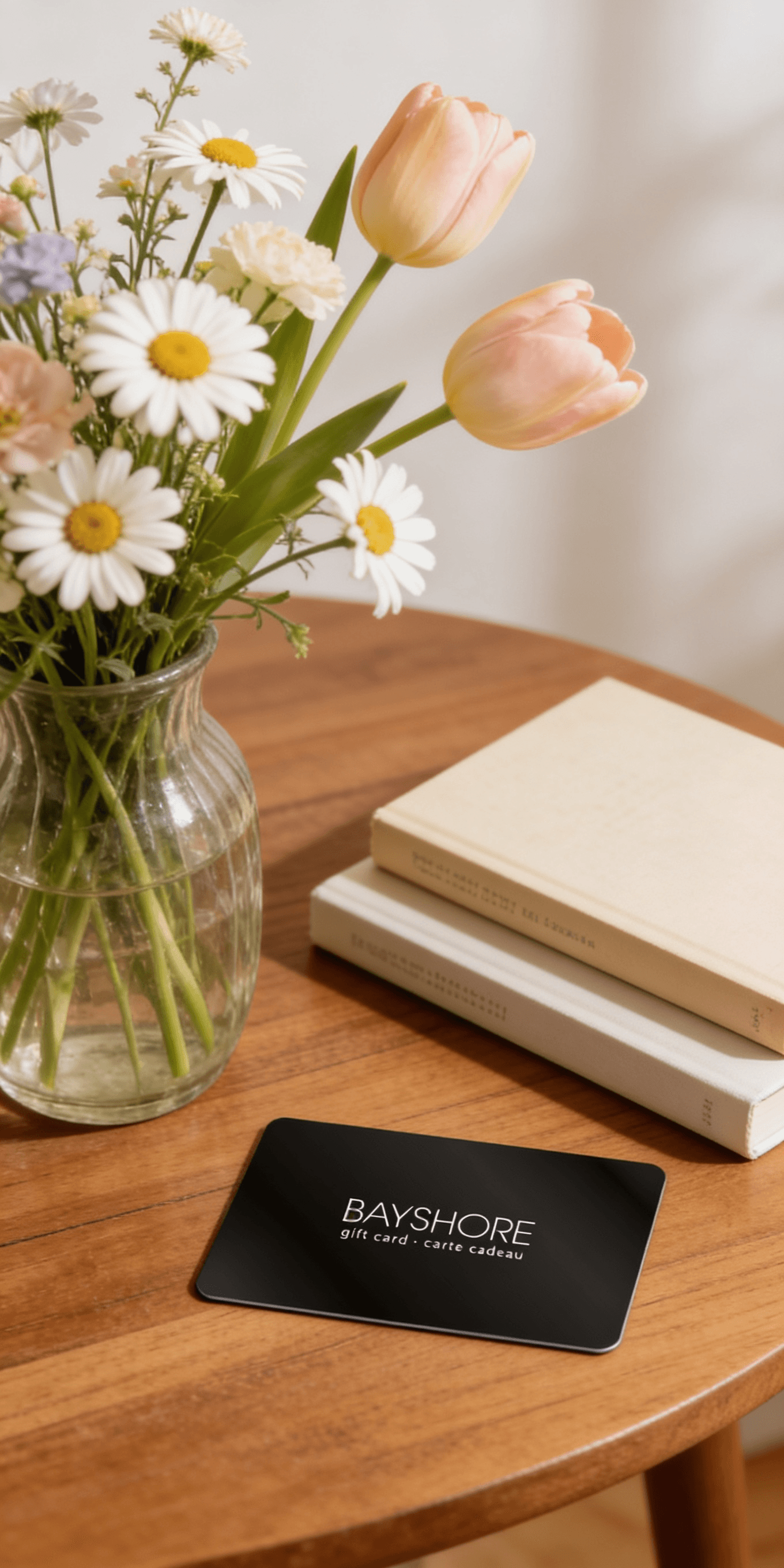
Too many options? Treat your friends and family to their favourite stores with a Bayshore Shopping Centre gift card, redeemable at participating retailers throughout the centre. Click below to purchase yours today!Purchase Here
Coles Microsoft Publisher 2016: Overview: Instructor Guide (Black & White) at Bayshore Shopping Centre in Ottawa, ON
*Product information may vary - to confirm product availability, pricing, shipping and return information please contact Coles
Note: This is the black and white version of the instructor guide designed for instructor-led classroom training and is meant to be used with our companion student training manuals for Microsoft Publisher 2016. For the black and white instructor guide, search for ISBN-13: 978-1522825456
For the color instructor guide, search for ISBN-13: 978-1522825524
For the color student manual, search for ISBN-13: 978-1522824985
For the black and white student manual, search for ISBN-13: 978-1522813408 To download the exercise files that accompany this title, please visit http: //www.ezref.com/exercise-files/ For information regarding unlimited printing with the ability to customize our courseware, please visit our website: www.ezref.com Topics covered - One Day (6-8 hours): MS Publisher Basics (Screen, Menu) Quick Access Toolbar, Ribbons & ToolTips Using Help Creating a New Publication Changing Views & Viewing Options Saving, & Opening Files Spell Checker, AutoCorrect Changing Publication Options Inserting/Deleting Pages Page Numbering Headers and Footers Working with Layout and Ruler Guides Printing Files Basic Editing, Deleting, Undeleting, Redoing Formatting Text (Fonts, Point Size, Color) Adjusting Margins/Line Spacing/Alignment Identifying Text Overflow Text Autofit Options Indenting, Centering, Right-Aligning Text Using the Format Painter Adding Bullets and Numbering Using the Ruler The Measurement Toolbar Adding Drop Caps Using the Thesaurus Inserting Date & Time Symbols & Special Characters Copying, Moving & Using the Office Clipboard Working with Layers Adding Text, Graphic and Clipart Objects Working with Tables Adding WordArt, Pictures and Building Blocks Inserting Hyperlinks Editing the Master Page Preparing for Commercial Printing
Note: This is the black and white version of the instructor guide designed for instructor-led classroom training and is meant to be used with our companion student training manuals for Microsoft Publisher 2016. For the black and white instructor guide, search for ISBN-13: 978-1522825456
For the color instructor guide, search for ISBN-13: 978-1522825524
For the color student manual, search for ISBN-13: 978-1522824985
For the black and white student manual, search for ISBN-13: 978-1522813408 To download the exercise files that accompany this title, please visit http: //www.ezref.com/exercise-files/ For information regarding unlimited printing with the ability to customize our courseware, please visit our website: www.ezref.com Topics covered - One Day (6-8 hours): MS Publisher Basics (Screen, Menu) Quick Access Toolbar, Ribbons & ToolTips Using Help Creating a New Publication Changing Views & Viewing Options Saving, & Opening Files Spell Checker, AutoCorrect Changing Publication Options Inserting/Deleting Pages Page Numbering Headers and Footers Working with Layout and Ruler Guides Printing Files Basic Editing, Deleting, Undeleting, Redoing Formatting Text (Fonts, Point Size, Color) Adjusting Margins/Line Spacing/Alignment Identifying Text Overflow Text Autofit Options Indenting, Centering, Right-Aligning Text Using the Format Painter Adding Bullets and Numbering Using the Ruler The Measurement Toolbar Adding Drop Caps Using the Thesaurus Inserting Date & Time Symbols & Special Characters Copying, Moving & Using the Office Clipboard Working with Layers Adding Text, Graphic and Clipart Objects Working with Tables Adding WordArt, Pictures and Building Blocks Inserting Hyperlinks Editing the Master Page Preparing for Commercial Printing
Coles is renowned for its outstanding customer service and great selection of books. Along with the vast array of magazines, stationary, audio-books, children's literature, fiction, non-fiction and reference books, you can find accessories to make your reading experience more pleasurable. We can recommend the very best in reading today. We will help you search our titles for exactly what you need, and if we do not have it in stock, we will order it for you.