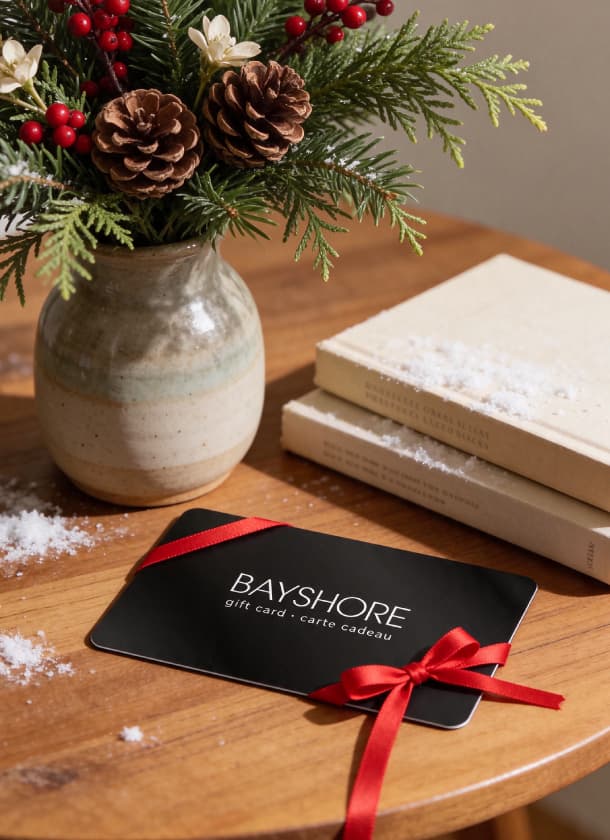
Too many options? Treat your friends and family to their favourite stores with a Bayshore Shopping Centre gift card, redeemable at participating retailers throughout the centre. Click below to purchase yours today!Purchase Here
Coles Pages Survival Guide: Step-by-Step User Guide for Apple Pages: Getting Started, Managing Documents, Formatting Text, and Sharing Documents at Bayshore Shopping Centre in Ottawa, ON
Pages Survival Guide: Step-by-Step User Guide for Apple Pages: Getting Started, Managing Documents, Formatting Text, and Sharing Documents in Ottawa, ON
Pages Survival Guide: Step-by-Step User Guide for Apple Pages: Getting Started, Managing Documents, Formatting Text, and Sharing Documents in Ottawa, ON
*Product information may vary - to confirm product availability, pricing, shipping and return information please contact Coles
Pages is Apple's word processing software. This software has many more functions than meet the eye, such as creating tables and sharing documents using iWork.com. There is no fancy jargon and every instruction is explained in great detail. Screenshots are included in each chapter to explain all topics in the greatest detail possible.
The useful, up-to-date information provided here, including tips and tricks and hidden features are not discussed in the official Pages manual. Whether you are a novice to Pages or have used it since its introduction, this guide will endow you with priceless information and add to your writing experience.
This Pages guide includes:
- Installing Pages
- Formatting Text
- Working with Tables, Charts, and Shapes
- Reviewing Documents
- Inserting a Table of Contents
- Turning the Text Speaker On or Off
- Tracking Changes
- Sharing Documents
- Sending a Document Using the Mail Application
- Making Documents Accessible to Anyone via iWork.com
- Adjusting the Settings
- Customizing the Toolbar
- Enabling Full-Screen Mode
- Tips and Tricks
- Protecting a Document Using a Password
- Using a Table as a Spreadsheet
- Viewing Multiple Inspector Windows
- Inserting Special Characters
- Connecting a Printer to a Mac
- Adding an Account to the Mail Application
Coles is renowned for its outstanding customer service and great selection of books. Along with the vast array of magazines, stationary, audio-books, children's literature, fiction, non-fiction and reference books, you can find accessories to make your reading experience more pleasurable. We can recommend the very best in reading today. We will help you search our titles for exactly what you need, and if we do not have it in stock, we will order it for you.