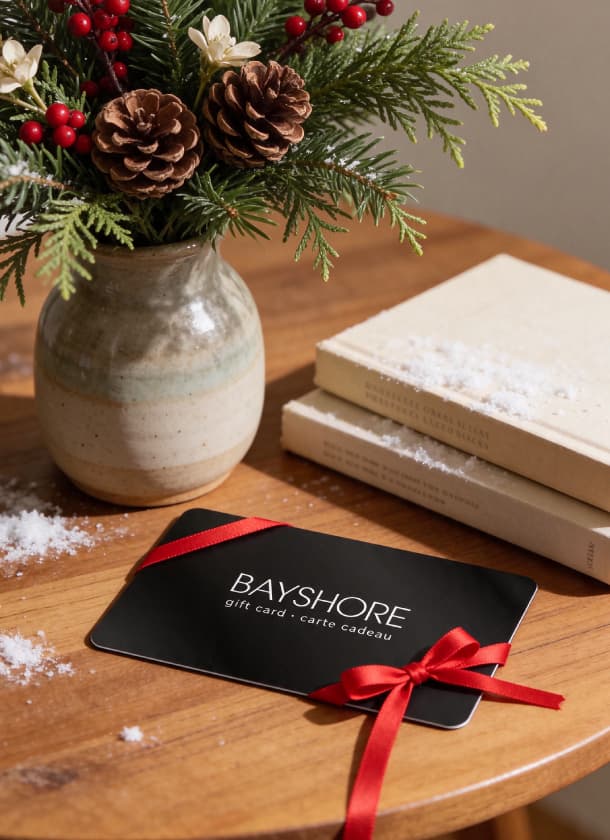
Too many options? Treat your friends and family to their favourite stores with a Bayshore Shopping Centre gift card, redeemable at participating retailers throughout the centre. Click below to purchase yours today!Purchase Here
Coles POSTGRESQL FOR PYTHON GUI: A Progressive Tutorial to Develop Database Project at Bayshore Shopping Centre in Ottawa, ON
*Product information may vary - to confirm product availability, pricing, shipping and return information please contact Coles
This book is a Python/PostgreSQL version of the Python/MySQL book which was written by the author. What underlies the writing of this book is the growing popularity of the PostgreSQL database server lately and more and more programmers migrating from MySQL to PostgreSQL. In this book, you will learn to build a school database project, step by step. A number of widgets from PyQt will be used for the user interface.
In the first and second chapter, you will get introduction of postgresql. And then, you will learn querying data from the postgresql using Python including establishing a database connection, creating a statement object, executing the query, processing the resultset object, querying data using a statement that returns multiple rows, querying data using a statement that has parameters, inserting data into a table using Python, updating data in postgresql database using Python, calling postgresql stored function using Python, deleting data from a postgresql table using Python, and postgresql Python transaction.
In the fourth chapter, you will study: Creating the initial three table in the School database project: Teacher table, Class table, and Subject table; Creating database configuration files; Creating a Python GUI for viewing and navigating the contents of each table. Creating a Python GUI for inserting and editing tables; and Creating a Python GUI to merge and query the three tables.
In last chapter, you will learn: Creating the main form to connect all forms; Creating a project that will add three more tables to the school database: the Student table, the Parent table, and the Tuition table; Creating a Python GUI to view and navigate the contents of each table; Creating a Python GUI for editing, inserting, and deleting records in each table; Create a Python GUI to merge and query the three tables and all six tables.
Coles is renowned for its outstanding customer service and great selection of books. Along with the vast array of magazines, stationary, audio-books, children's literature, fiction, non-fiction and reference books, you can find accessories to make your reading experience more pleasurable. We can recommend the very best in reading today. We will help you search our titles for exactly what you need, and if we do not have it in stock, we will order it for you.