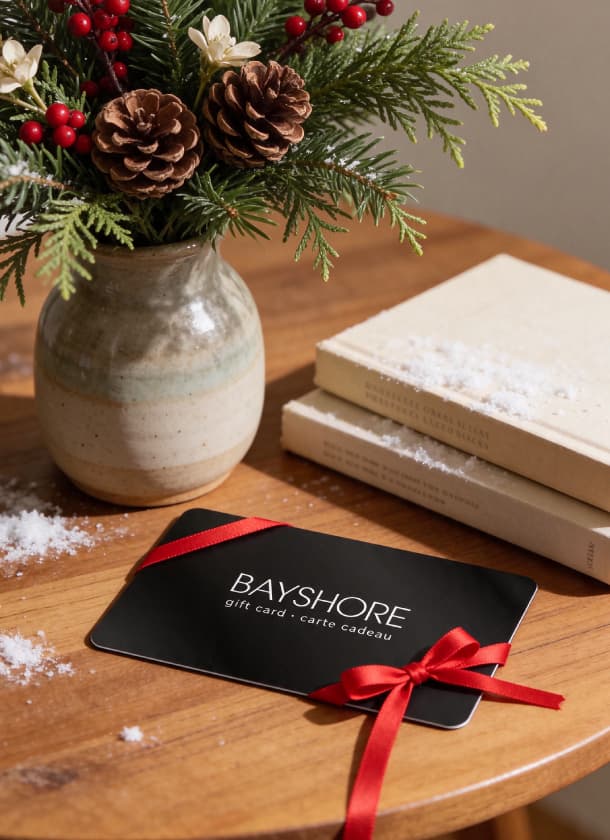
Too many options? Treat your friends and family to their favourite stores with a Bayshore Shopping Centre gift card, redeemable at participating retailers throughout the centre. Click below to purchase yours today!Purchase Here
Coles Power BI at Bayshore Shopping Centre in Ottawa, ON
*Product information may vary - to confirm product availability, pricing, shipping and return information please contact Coles
Table of Contents
Introduction to Power BI
What is Power BI?
Why Learn Power BI?
Components of Power BI
Installing and Setting Up Power BI
Getting Started with Power BI Desktop
Navigating the Power BI Interface
Importing and Connecting to Data
Understanding Data Sources
Introduction to Power Query
Data Preparation and Modeling
Cleaning and Transforming Data
Creating Relationships Between Tables
Understanding Data Types and Formatting
Writing DAX (Data Analysis Expressions) Basics
Creating Visualizations
Introduction to Visualization Types
Building Interactive Dashboards
Using Filters, Slicers, and Drillthroughs
Designing Effective Reports
Advanced-Data Modeling and DAX
Advanced DAX Functions
Time Intelligence in DAX
Creating Calculated Columns and Measures
Optimizing Data Models for Performance
Power BI Service
Publishing Reports to Power BI Service
Collaborating with Teams
Configuring Row-Level Security (RLS)
Understanding Data Refresh and Gateways
Advanced Reporting Techniques
Customizing Visuals with Power BI Themes
Embedding Reports in Other Applications
Power BI Paginated Reports
Using Bookmarks and Selections for Navigation
Integrations and Extensibility
Connecting Power BI with Excel
Using Power BI with Azure Services
Embedding Power BI in Websites and Applications
Exploring Power BI APIs
Power BI Administration and Governance
Managing Power BI Workspaces
Understanding Licensing and Pricing
Enforcing Data Governance
Monitoring Power BI Usage and Performance
Real-World Use Cases
Power BI for Sales and Marketing
Power BI in Financial Analysis
Supply Chain Analytics with Power BI
Building KPI Dashboards
Tips, Tricks, and Best Practices
Performance Optimization Techniques
Designing User-Friendly Dashboards
Avoiding Common Pitfalls
Staying Updated with Power BI Features
Conclusion and Next Steps
Recap of Key Concepts
Resources for Continuous Learning
Power BI Certification Pathways
Future Trends in Data Analytics
Coles is renowned for its outstanding customer service and great selection of books. Along with the vast array of magazines, stationary, audio-books, children's literature, fiction, non-fiction and reference books, you can find accessories to make your reading experience more pleasurable. We can recommend the very best in reading today. We will help you search our titles for exactly what you need, and if we do not have it in stock, we will order it for you.