
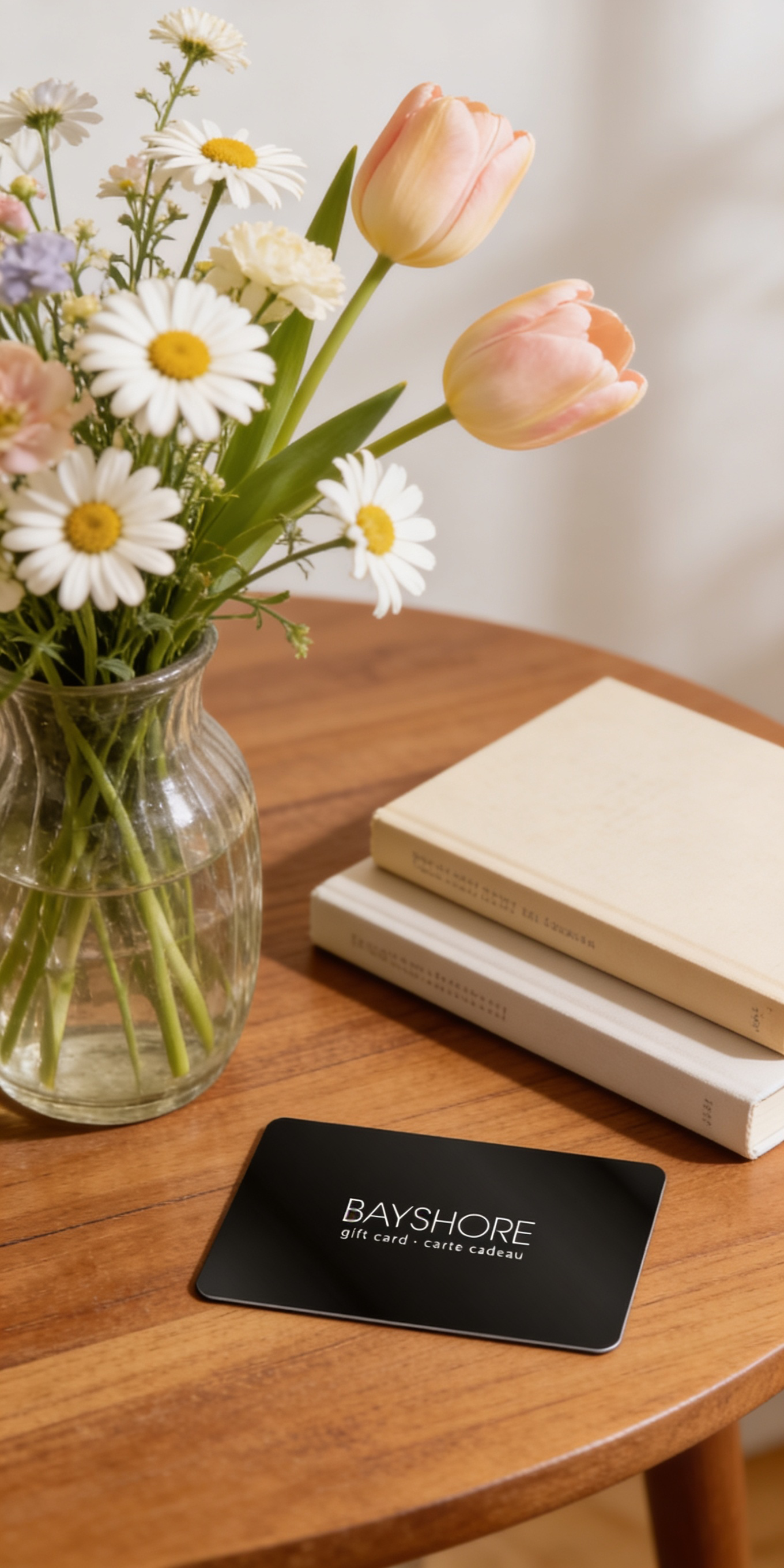
Give the Gift of Choice!
Too many options? Treat your friends and family to their favourite stores with a Bayshore Shopping Centre gift card, redeemable at participating retailers throughout the centre. Click below to purchase yours today!Purchase HereHome
The Senior's Guide to iPhone 11: The Step by Step Manual to Operate Your iPhone 11
Coles
Loading Inventory...

The Senior's Guide to iPhone 11: The Step by Step Manual to Operate Your iPhone 11 in Ottawa, ON
By None
Current price: $18.95

By None
The Senior's Guide to iPhone 11: The Step by Step Manual to Operate Your iPhone 11 in Ottawa, ON
Current price: $18.95
Loading Inventory...
Size: Paperback
*Product information may vary - to confirm product availability, pricing, shipping and return information please contact Coles
Officially, Apple launched the iPhone 11 on September 20, 2019. The iPhone 11 is perfect for users that want a phone with Face ID biometrics, multiple color choices, depth-aware front-facing camera, great performance, dual-camera system having ultra-wide and wide angles, edge-to-edge design along with gesture navigation, a 6.1-inch display, and a reasonable price. This user guide contains detailed steps on how to explore all the new features on your phone along with screenshots to make it easy for you to familiarize yourself with the workings of the operating system for iPhones. Whether you are just buying a new iPhone or downloading the new software to your existing device, this book would help you to achieve better and faster productivity. Some of the things you would learn in this book include:
How to Clear Storage Space on Your iPhone.
How to Set up Keyboard Shortcuts.
How to Turn On "Announce Messages with Siri".
How to Train Siri to Recognize Your Voice.
How to Record and Send Animoji.
How to Use Memoji Stickers.
How to Activate Dark Mode.
How to Set Up Family Sharing.
How to View, Re-Open, and Bookmark Tabs in Safari.
How to Take/ Edit/ View Screenshots.
How to Take a Still Photo while Capturing Video.
How to Shoot Slow Motion Videos.
How to Find Memories in Photos.
How to Find Friends in "Find My".
How to Share Your Location.
How to Create Favorite Locations.
How to Enable and Disable Screen Time.
How to Create an Apple ID.
How to Set Up Face ID.
How to Manage Authorization For Apps With Face ID.
And lots more...
Officially, Apple launched the iPhone 11 on September 20, 2019. The iPhone 11 is perfect for users that want a phone with Face ID biometrics, multiple color choices, depth-aware front-facing camera, great performance, dual-camera system having ultra-wide and wide angles, edge-to-edge design along with gesture navigation, a 6.1-inch display, and a reasonable price. This user guide contains detailed steps on how to explore all the new features on your phone along with screenshots to make it easy for you to familiarize yourself with the workings of the operating system for iPhones. Whether you are just buying a new iPhone or downloading the new software to your existing device, this book would help you to achieve better and faster productivity. Some of the things you would learn in this book include:
How to Clear Storage Space on Your iPhone.
How to Set up Keyboard Shortcuts.
How to Turn On "Announce Messages with Siri".
How to Train Siri to Recognize Your Voice.
How to Record and Send Animoji.
How to Use Memoji Stickers.
How to Activate Dark Mode.
How to Set Up Family Sharing.
How to View, Re-Open, and Bookmark Tabs in Safari.
How to Take/ Edit/ View Screenshots.
How to Take a Still Photo while Capturing Video.
How to Shoot Slow Motion Videos.
How to Find Memories in Photos.
How to Find Friends in "Find My".
How to Share Your Location.
How to Create Favorite Locations.
How to Enable and Disable Screen Time.
How to Create an Apple ID.
How to Set Up Face ID.
How to Manage Authorization For Apps With Face ID.
And lots more...
You May Also Like









More About Coles at Bayshore Shopping Centre
Coles is renowned for its outstanding customer service and great selection of books. Along with the vast array of magazines, stationary, audio-books, children's literature, fiction, non-fiction and reference books, you can find accessories to make your reading experience more pleasurable. We can recommend the very best in reading today. We will help you search our titles for exactly what you need, and if we do not have it in stock, we will order it for you.
100 Bayshore Dr, Nepean, ON K2B 8C1, Canada
Find Coles at Bayshore Shopping Centre in Ottawa, ON
Visit Coles at Bayshore Shopping Centre in Ottawa, ON